 WristGrid by Gurfus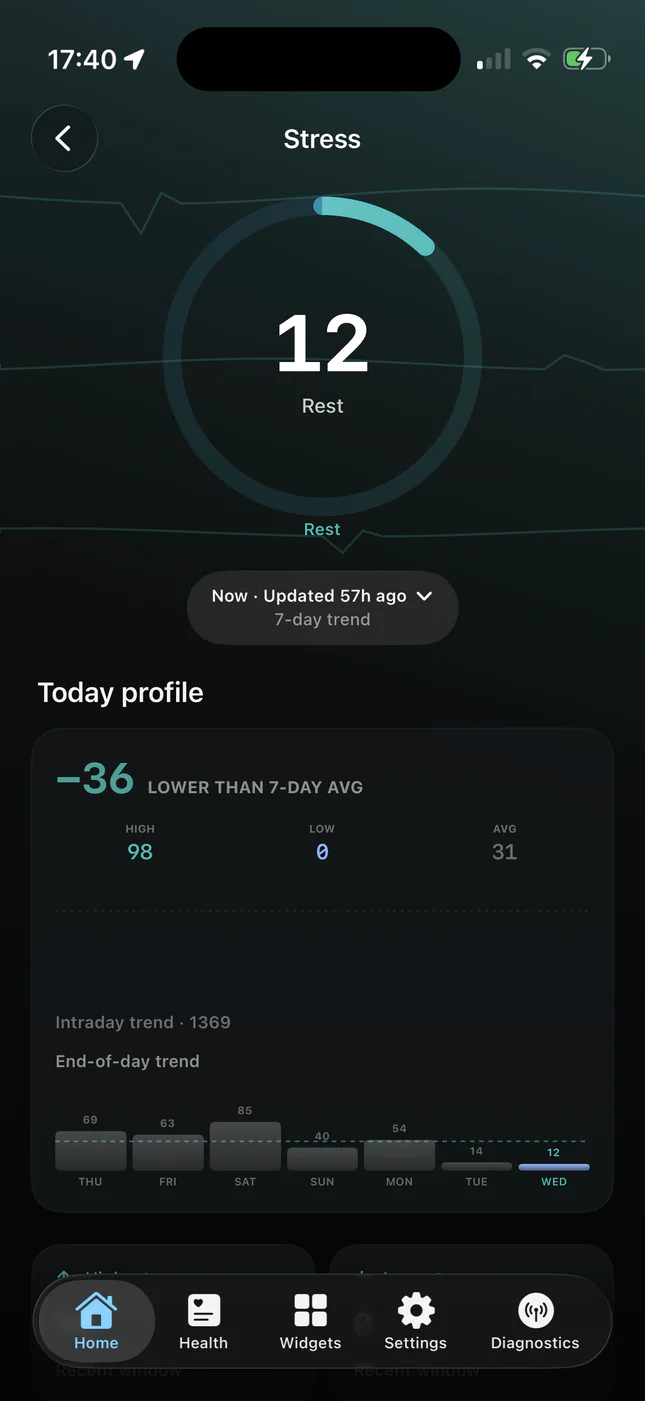
What Body Battery tells you
Body Battery is Garmin's energy score (typically 0 to 100). It combines sleep, stress, and activity so you can see how much charge you have left to spend, and whether a hard session or a quieter day makes more sense.
Many Garmin users check it first thing in the morning and again after a stressful block of work. On the watch it is one glance; on iPhone, without widgets, it means opening Connect every time.
Why put Body Battery on your phone
Your phone unlocks far more often than you raise your wrist in meetings or on a commute. A Home Screen or Lock Screen Body Battery widget turns that habit into a readiness check without launching an app.
Pairing Body Battery with stress and sleep widgets on the same screen gives a mini morning briefing: energy, overnight recovery, and whether stress is climbing.
How WristGrid shows Body Battery
WristGrid reads Body Battery from your watch through the GW Bridge Connect IQ companion and renders it as a circular or rectangular iPhone widget. Larger families can show supporting context; Lock Screen widgets keep a compact gauge next to the clock.
Data stays local on the iPhone: no account, no cloud upload of your health readings, and analytics can be turned off in settings. Supported Apple Health records used elsewhere in the app are filtered to Garmin-originated data where applicable.
Setup in brief
Install GW Bridge on a compatible Garmin watch (any watch listed for GW Bridge on the Connect IQ Store), pair WristGrid, then add the Body Battery widget from the iOS gallery. Full Home Screen steps are in the companion how-to guide.
WristGrid is an independent product and is not affiliated with, endorsed by, or sponsored by Garmin. Garmin and Connect IQ are trademarks of Garmin Ltd.